HOW IT WORKS - STEP BY STEP
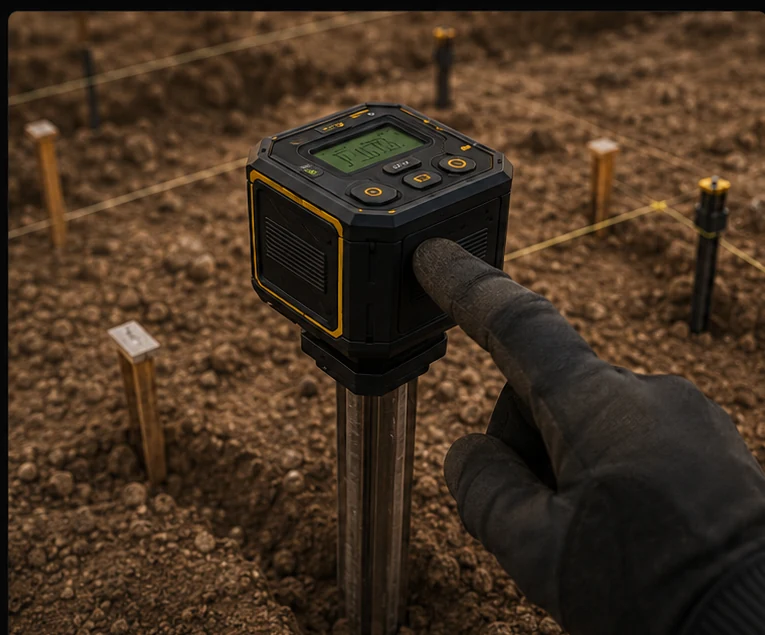
HOW IT WORKS - STEP 1
1. Set DTR
Place TheStake™ at your initial corner (North or GPS reference), then set DTR.
Timestamp recorded
The exact date and time become part of the project origin.
GPS coordinates logged
The initial reference position is captured automatically.
Outside temperature captured
Ambient field temperature is recorded on site.
Weather data from NWS
Optional conditions are stored when connectivity is available.
All data saved to app and/or microSD.
Your project begins with a precise, documented origin.